
Basic
A proper scoreboard without the hassle.
€59per year
- Live scoreboard and checkout routes
- Your camera from DartCounter
- Sounds and automatic scene switching
- "Starting soon" screen
- Setup assistant and the Legcast theme
Legcast follows your DartCounter match dart by dart and drives OBS for you. It picks the camera, zooms in on your finish, replays the game shot, shows the score update and saves clips for TikTok. You just play.
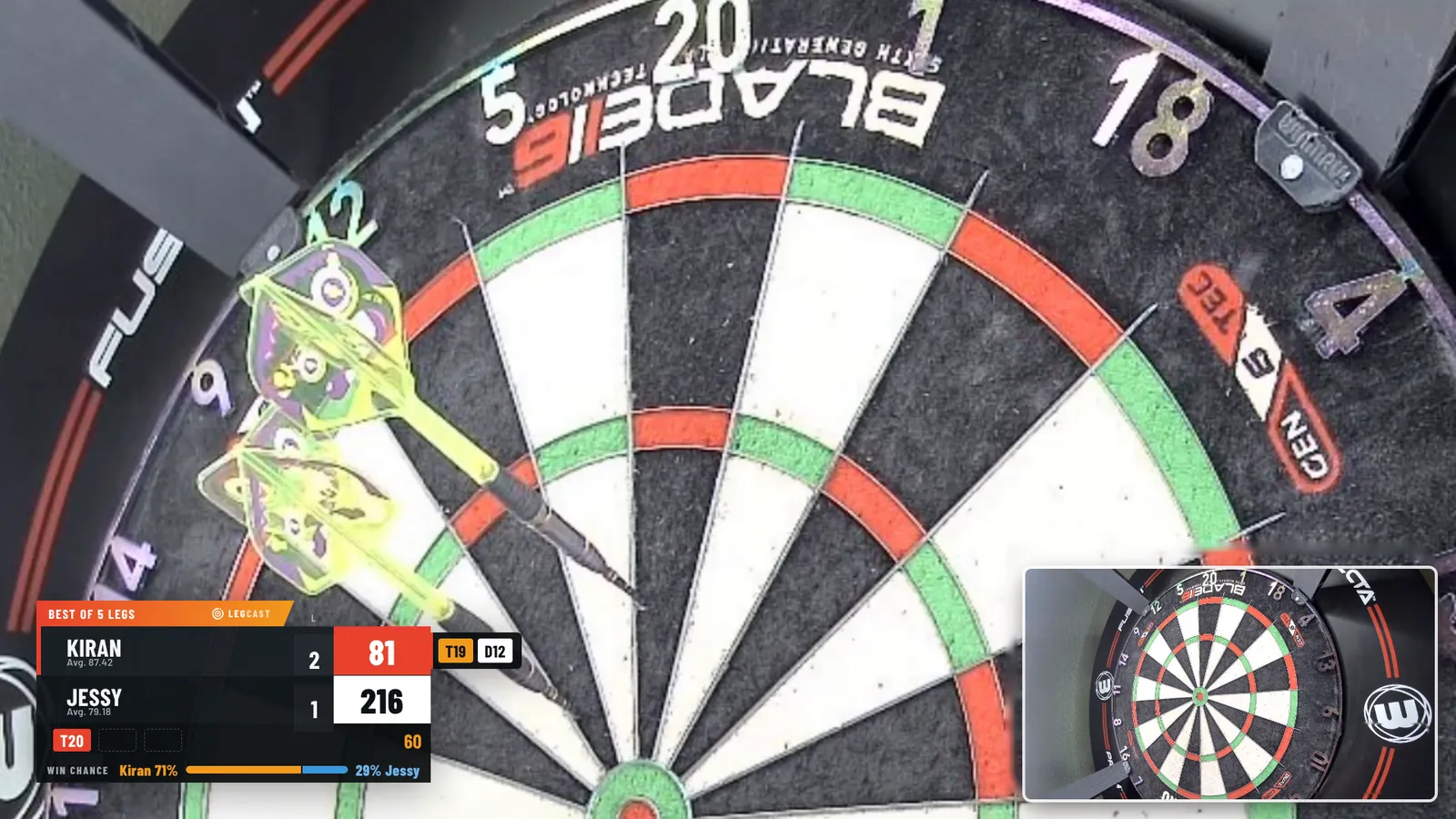
This is the running order of an online match with Legcast switched on. Nobody touches OBS. You can switch any of it off and choose how often the stats appear.
Legcast keeps your matches on your own computer and turns them into cards your viewers want to see.
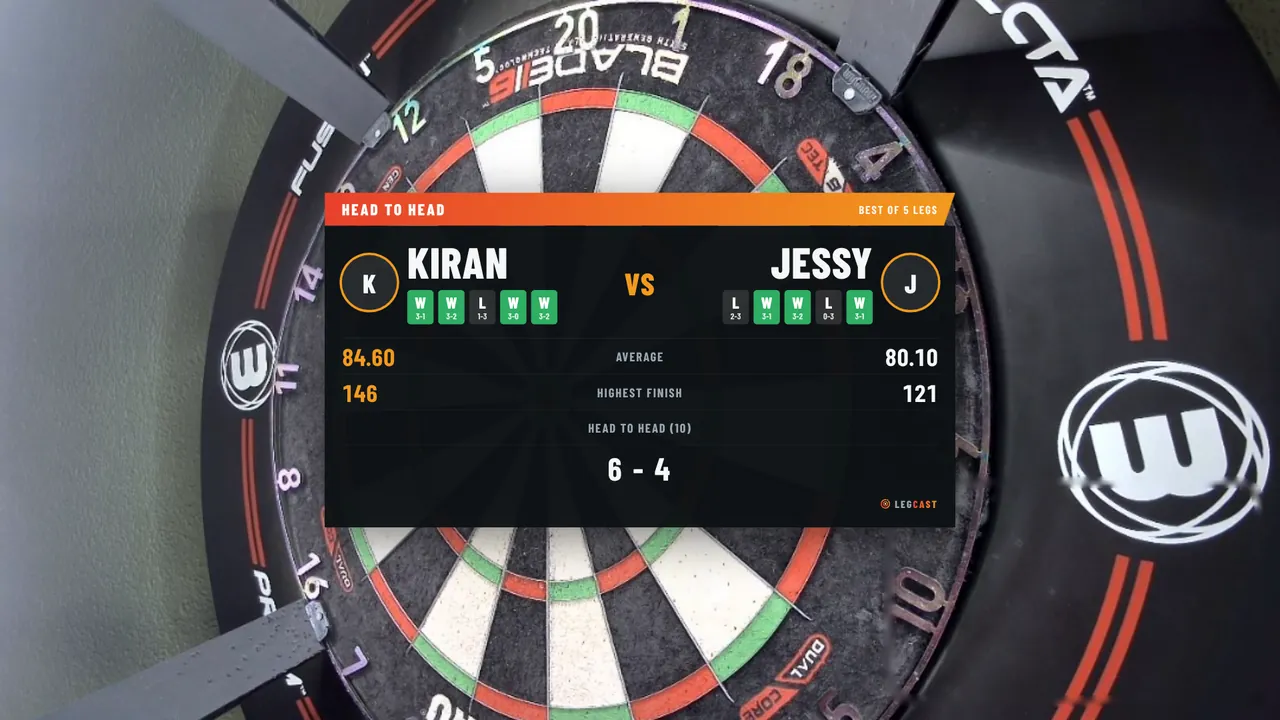
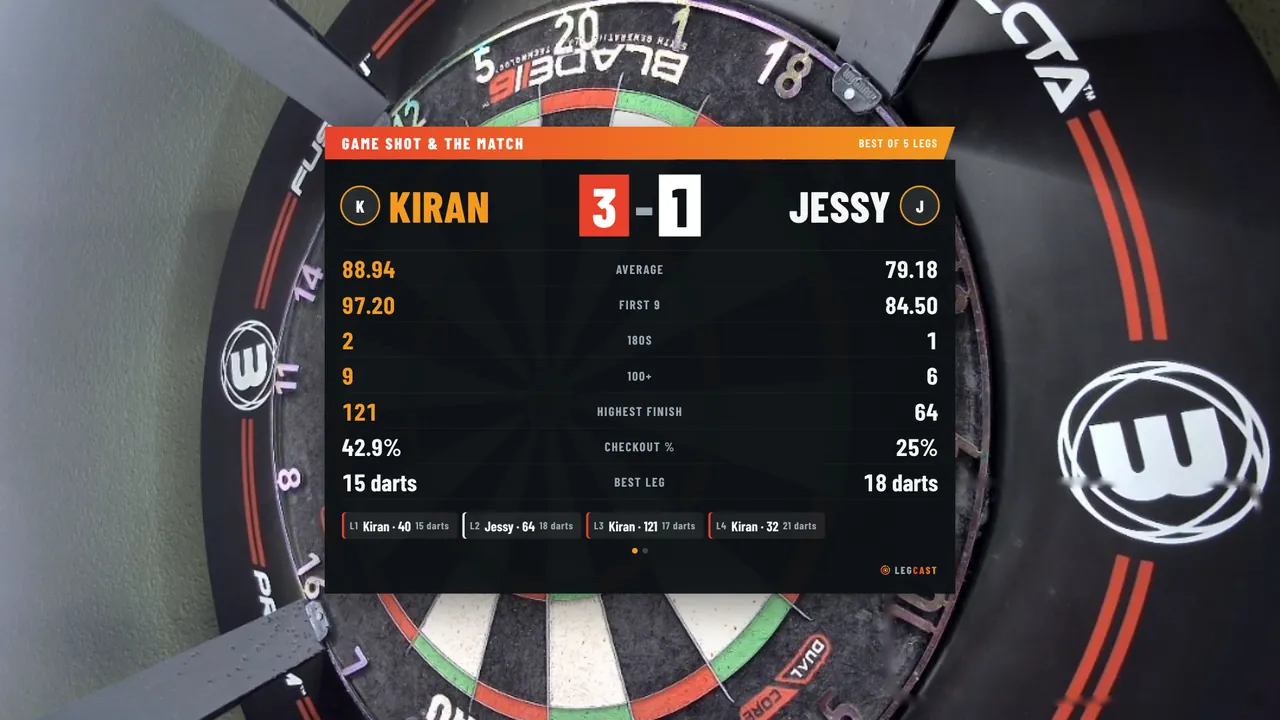
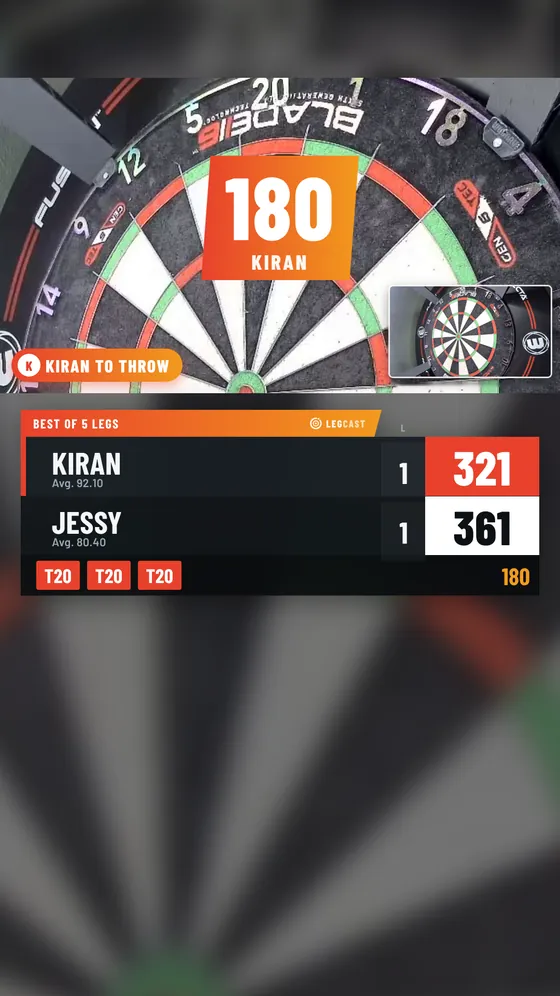
One click builds a 1080 × 1920 scene in OBS: camera on top, a blurred copy behind it so there are no black bars, the scoreboard underneath and room for comments.
Pick a theme and, in Premium and Pro, your own colours. Each one below is rendered by Legcast itself.
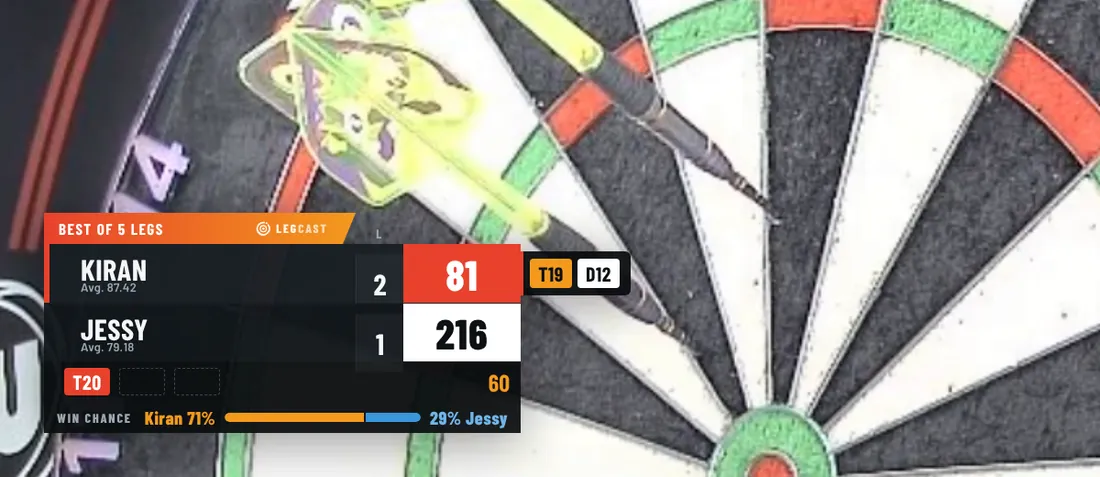
Dark with orange. Included in every plan.
No installer, no server, nothing running in the background besides OBS.
Install Legcast in Chrome or Edge. Your 14 days of Pro start straight away.
Paste the WebSocket password from OBS. Legcast finds its files and builds your scene.
Open DartCounter, turn on your camera and throw. Legcast takes it from the first dart.
Start with 14 days of Pro for free, then pick a plan. Cancel any time and keep access until the end of your period.
A proper scoreboard without the hassle.
For weekly streamers who want it to look like TV.
For players growing a channel with clips and stats.
No. Legcast reads the score from DartCounter and drives OBS: scenes, cameras, zoom, replays, cards and clips. The countdown and other manual buttons are in the extension menu if you want them.
Yes. The scoreboard, cameras and cards also work with typed-in scores. Darts per turn, per-dart zoom and the hitmap work best with an Omni or another auto-scoring board.
Then your own camera stays on screen, zoomed out while they throw. If they do have one, ask them first if they're happy to be on your stream. You can switch their camera off in the settings.
Yes. Pick "Phone via QR code" in the settings, scan the code and your phone streams straight into OBS. No app to install, and it works when your PC is on a cable and your phone on Wi-Fi.
Open Spotify in Chrome (or control the Spotify app from the web player) and Legcast shows the song for a few seconds whenever it changes. Optional, and off by default.
You get a licence key by email. Paste it into the Legcast menu in Chrome. One key works on two computers, and you can move it to a new PC yourself.
The overlay stops and OBS shows a short notice. Your settings and stats stay, so you carry on where you left off once you add a key.
TikTok gives LIVE access from age 18 and 1,000 followers. Not there yet? Stream on YouTube or Twitch and post the automatic clips to grow.
On your own computer. Matches, stats and clips never leave it. Only your licence key is checked with our payment provider. The details are in our privacy policy.
Everything on screen is available in English, German and Dutch. Legcast follows the language of Chrome unless you pick one.
Legcast is in final testing with real Omni matches. At launch you get 14 days of Pro for free, and the first 100 customers keep 30% off for as long as they stay subscribed.